Does converting HEIC to JPEG reduce image quality?
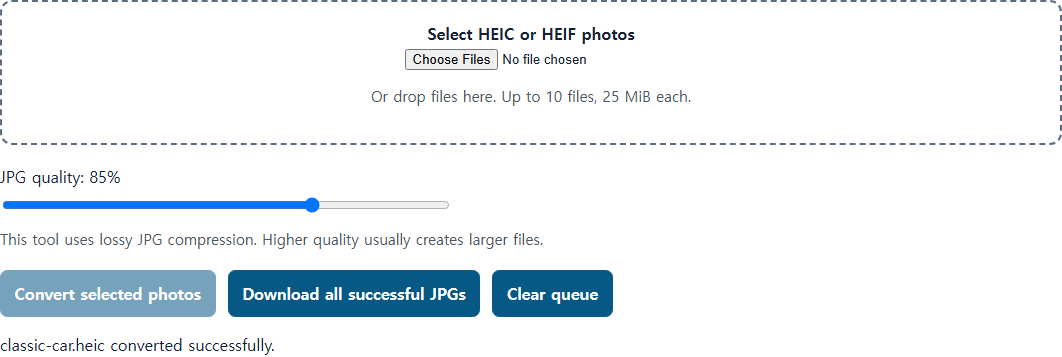
This tool makes a new, lossy JPEG copy from a supported HEIC file. The practical effect depends on the source photo, settings, and use.
The JPEG this tool creates is lossy
The converter uses lossy JPEG encoding, so its output is not a bit-for-bit preservation of a HEIC source. Pixel dimensions alone do not establish visual fidelity. Keep the original HEIC for editing, archive, and advanced image features; use a JPEG copy for compatibility.
What we actually checked
Release smoke checks two iPhone 12 Pro fixtures from
HEIC Digital's public sample gallery: old-safe-wall.heic and
classic-car.heic. Their source-published dimensions are
3024 × 4032. With the tool's default 85% quality UI, the current
check verifies a valid JPEG and dimensions consistent with each
source. This is a two-fixture check, not universal proof for every
HEIC, browser, or visual-quality use case.
What the JPEG does not keep
The tool makes a decoded still-image JPEG and leaves the source file unchanged. The release check verifies JPEG structure and dimensions; it does not verify retention of source metadata, HDR, depth information, or Live Photo auxiliary data. Do not treat the generated JPEG as an archival replacement for the original.